
Table of contents
I was building Linkits, the Softwaiz website and Kariboo. Each product needed email: authentication messages, notifications, and eventually campaigns. Sending those through a service such as Resend made sense.
But another question kept coming back: when someone using one of these products wanted to contact me, where would that conversation happen?
An application sending a login link is one thing. A founder sitting down to write a message, read a reply and continue the conversation is another. I needed both. I wanted to receive mail at a product’s address and answer from that same address, without managing a different email setup for every project.
That was the starting point for GentleMail.
The missing piece was the inbox
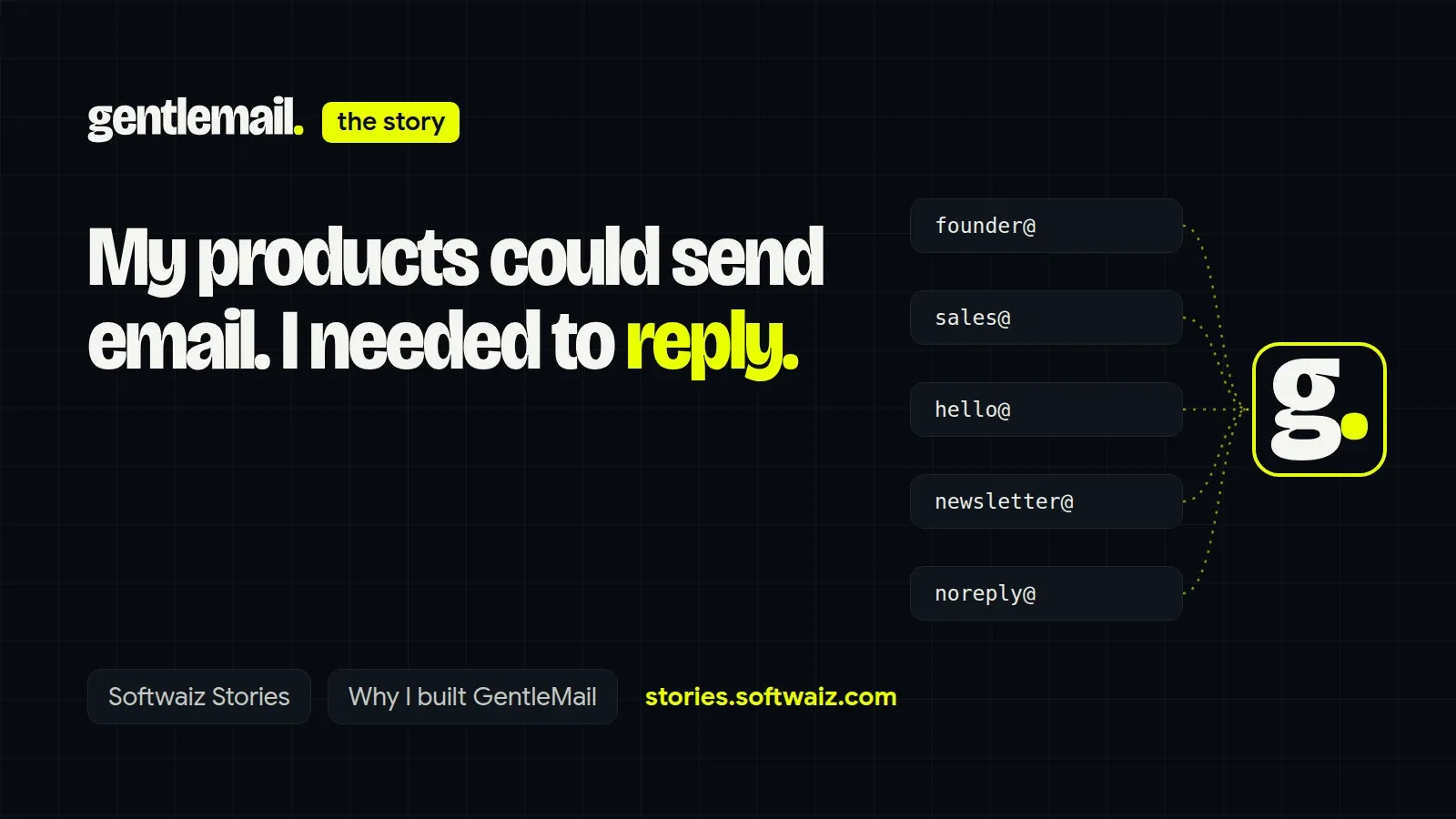
As a solo founder, I am one person, but my products need several email identities. There is founder@, perhaps sales@, a newsletter address, and the addresses used for automated messages. Multiply those by a few domains and email becomes a small system of its own.
I could forward incoming messages into an existing personal inbox. That made receiving them easier, but it did not finish the workflow I wanted. I still needed to reply as the product, with its own address and conversation history. Receiving and sending had to work together.
I looked at self-hosting. Mailcow was close to what I wanted: my own mail system on a VPS I could choose and run. For my needs, though, the server cost and administration were more than I wanted to take on. The appeal of ownership was real; so was the work attached to it.
Other tools could automate parts of the setup using a Cloudflare account token with broad permissions. I wanted a smaller configuration burden and a system running inside my account, without handing those permissions to another service.
The question became: could I build the inbox I needed around the email infrastructure Cloudflare already provided?
One Worker for all my domains
Cloudflare gave me two useful pieces. Email Routing could hand incoming messages to a Worker. Email Service could handle outgoing mail. I wanted to connect those pieces with a web interface, storage and mailbox management.
For each domain, I could configure a catch-all rule directing mail to the same Worker. Inside the application, I would decide which addresses existed, where a message belonged and who could read it. Adding a mailbox could then become an action in the admin interface rather than another infrastructure project.
I ran the experiment end to end. It worked: one Worker, multiple domains, incoming messages routed into mailboxes, and outgoing messages sent from the appropriate address. That became GentleMail’s foundation.
The goal was an affordable, central place for my products’ email, with infrastructure starting at five dollars a month and no per-mailbox subscription fee.
A mailbox for each piece of work
The useful unit in GentleMail is a mailbox. A person can have access to several of them, and several people can share access to the same one.
That matters when the addresses describe work rather than individual employees. support@ belongs to a function. invoices@ belongs to a workflow. A product can have its own domain without needing a separate installation of the email application.
The administrator adds domains, creates mailboxes and decides who can open each one. The user switches between the mailboxes they can access from a single sidebar. Adding another domain extends that same deployment.
“Unlimited” here means GentleMail does not impose a paid seat or mailbox limit. It does not mean unlimited storage or compute for a fixed price. Cloudflare’s usage charges and platform limits still apply.
Build an inbox around Cloudflare’s email infrastructure
Cloudflare handles email routing and sending; GentleMail adds the application around those services. This let me build the inbox and its workflows without operating a mail transport server myself.
The app uses RedwoodSDK, React and a Cloudflare Worker. The same Worker serves the web interface and HTTP API, receives incoming email, and runs scheduled tasks. D1 holds the structured data. R2 holds the files.
An incoming message follows a concrete path:
- The domain’s Email Routing catch-all sends it to the Worker.
- GentleMail checks that the recipient’s mailbox and domain are active. Unknown or disabled addresses are rejected.
postal-mimeparses the message into headers, text, HTML and attachments.- The original
.emland attachments go into R2. Message records and conversation information go into D1. - The message appears in the appropriate mailbox. If it is not classified as spam, it can also trigger a webhook.
Splitting the data this way keeps attachment bytes out of database rows while preserving an original copy of the message. Large HTML bodies can also live in R2. D1 holds the information the application needs to list, search and organize conversations.
For outgoing mail, the Worker uses Cloudflare’s Email Service binding and saves the sent message for the inbox interface. The application uses bindings to reach its own infrastructure; users do not have to hand a Cloudflare API token to an external GentleMail service.
From receiving messages to doing everyday work
Receiving a message is only the beginning of a usable inbox.
The first version was a multi-mailbox webmail application. I then extended it into a shared instance for multiple domains, refined the interface, added API keys and webhooks, hardened HTML rendering, and introduced sender rules. Each step closed part of the gap between storing email and making it useful.
People need to reply, reply all and forward. They need attachments, search, folders and a way to follow a conversation. GentleMail groups replies using email headers such as In-Reply-To and References, with a subject-based fallback. It provides Inbox, Sent, Archive, Spam and Trash, along with mailbox settings for sender names and signatures.
Administration matters just as much. Adding a domain comes with a DNS check and setup instructions. Disabling a domain stops receiving and sending through it. Mailbox access is assigned explicitly, so sharing one deployment does not mean every user should see every inbox.
Give programs the same mailbox
Once the inbox worked, I wanted a message to be able to start something else.
A new email might trigger a Telegram notification, call an API endpoint or start a process in another tool. That would let me choose how to hear about incoming mail and what should happen next, instead of making the inbox another page I had to keep checking.
Webhooks were the next piece of that idea. An incoming message could become an event that another program could act on. The HTTP API would provide the other direction: a way for my products and tools to send through the same central email system.
GentleMail exposes an HTTP API for reading messages, fetching attachments and sending mail, including replies within an existing thread. Keys can be restricted by mailbox and by read or send permission. The app stores a SHA-256 fingerprint of an API key rather than the original key.
Webhooks handle the other half: telling a program that something happened. Received and sent messages can produce signed events. Each delivery includes an HMAC-SHA256 signature, and failed attempts are retried on a schedule with a delivery log.
A Telegram notification or an invoice-processing agent would be an integration built on these interfaces. You supply the program and choose its permissions; GentleMail supplies the mailbox, event and reply path. Messages classified as spam do not trigger those webhooks.
Treat email HTML as untrusted input
A webmail application displays content written by strangers. That makes rendering a security concern, not just a formatting problem.
GentleMail uses three layers: sanitising the HTML, applying a restrictive content security policy, and rendering the message in a sandboxed iframe. The sanitiser removes active elements and attributes such as scripts, event handlers and forms. Remote images stay blocked until the reader chooses to load them.
These controls address the risks of displaying incoming content. They do not turn self-hosted email into a maintenance-free service. The operator still needs to manage access, keep the deployment current and look after the data in their account.
What five dollars actually means
GentleMail’s starting cost is the Cloudflare Workers Paid plan, which starts at $5 per month. That is infrastructure billed by Cloudflare, rather than a per-user GentleMail subscription.
As of 13 November 2026, Cloudflare Email Service pricing includes 3,000 outbound emails per account per month on Workers Paid, then charges $0.35 per additional 1,000. Incoming Email Routing is unlimited, while the Worker processing those messages is subject to Workers billing. Storage and database usage have their own allowances and charges.
The distinction is deliberate: creating another mailbox does not add a GentleMail seat fee. Running a busier service can increase the infrastructure bill.
This is also a particular kind of email product. It is webmail plus an HTTP API, not a complete office suite or an IMAP server for every desktop email client. It fits people who want to run their own shared email application on Cloudflare and are comfortable owning that deployment.
Where I want to take it next
The next idea I want to explore is a calendar alongside the inbox: managing events, sending invitations and exchanging ICS files so an appointment can move from an email conversation into someone’s agenda.
That is a direction for future work, not a feature available in GentleMail today. The aim is to keep it in the same deployment and make it available without a separate GentleMail subscription, while Cloudflare’s infrastructure pricing and limits still apply.
The principle is the same as the inbox: give a solo founder or a small team useful tools without multiplying the number of systems they have to configure and maintain.
Run it on your own account
The GentleMail website introduces the product. The deployment guide walks through creating D1 and R2 storage, configuring the Worker, claiming the initial administrator account and connecting your domains. The documentation covers the API and webhooks.
You will need domains managed on Cloudflare, a Workers Paid account and the willingness to maintain the installation. Once it is running, you can create mailboxes, invite people and connect programs to the same email workflows.
GentleMail started with a practical problem in my own products: I could send email, but I needed somewhere to receive it and a straightforward way to reply as each product. It now brings those conversations into one place, with room for the notifications and workflows around them. If you are juggling several domains and the same problem sounds familiar, that is what I built it for.